Auto Export to CRM
Ready to implement what you've learned?


Lessons in this course:
Send leads straight from Lusha to your CRM, automatically. With Auto Export to CRM, new contacts flow from your lists into your CRM the moment they’re added- no copying, no missed opportunities.
What you’ll learn:
- How to export existing contacts from a Lusha list to your CRM
- How to set up automatic syncing so every new lead is instantly added
- Choosing exactly what to send: emails, phone numbers, or both
- Managing, editing, or pausing your CRM automations anytime
- Real-life example with HubSpot integration
More Courses
View All Courses
10 lessons
How to get started with Lusha
Learn how to find and connect with the right prospects using Lusha’s core features- from smart filters to AI-powered insights.
4 lessons
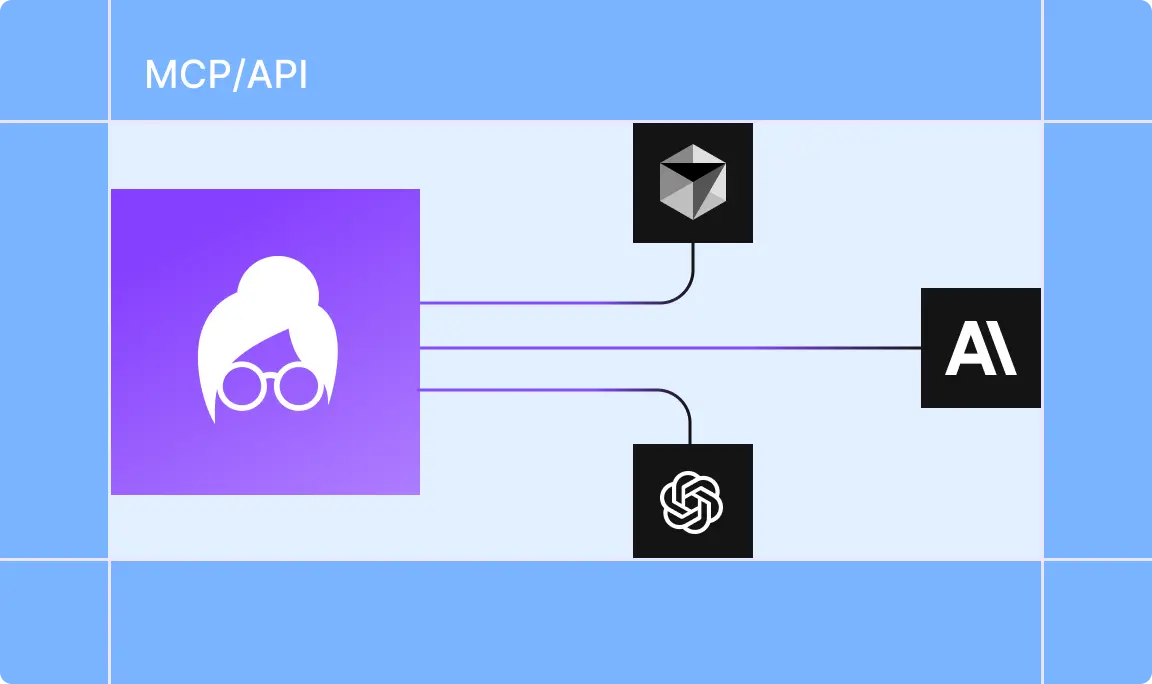
How to access real-time Lusha data with API and MCP
Learn how to connect to Lusha’s data through API and MCP to automate tasks, enrich leads, and power your AI workflows.

4 lessons
How to capture and analyze meetings in Lusha Conversations
Learn how to turn every sales meeting into clear, actionable insights with Lusha Conversations—your AI-powered assistant for smarter follow-ups, performance tracking, and team growth.
6 lessons
How to use Lusha Admin tools with ease
Learn how to set up and manage your Lusha account as an admin- from user controls to activity tracking and secure settings.