Build A Fully Automated Pipeline



Why this works
- Automates outbound so you’re not rebuilding searches every time
- Prioritize accounts most ready to engage
- Keeps your targeting consistent by locking in exact company and persona criteria
- Creates a self-updating pipeline that runs continuously in the background
- Triggers outreach while timing and buying signals are still fresh
How to set it up
- Go to Search and define your company criteria (location, industry, headcount)
- Add signals like recent funding and intent to prioritize high-fit accounts
- Switch to Contacts and filter for your target persona
- Click Subscribe to Search on the right
- Set how many contacts to add and how often to refresh (daily or weekly)
- Choose or create a list to store new contacts
- Save the subscription to create a live, self-generating list
- Send new contacts to your CRM or push them directly into sequences to automate engagement
More Courses
View All Courses
3 lessons
How to integrate Lusha with your favorite tools
Learn how to integrate Lusha with your favorite tools to streamline workflows, sync data, and boost your sales process.

7 lessons
How to create AI-powered prospect and companies lists
Learn how to turn lead organization into a growth engine with Lusha’s AI-powered Lists and Playlists.

5 lessons
How to send email sequences with Lusha Engage
Learn how to build, send, and optimize personalized email sequences that help you connect with the right prospects- at the right time.
5 lessons
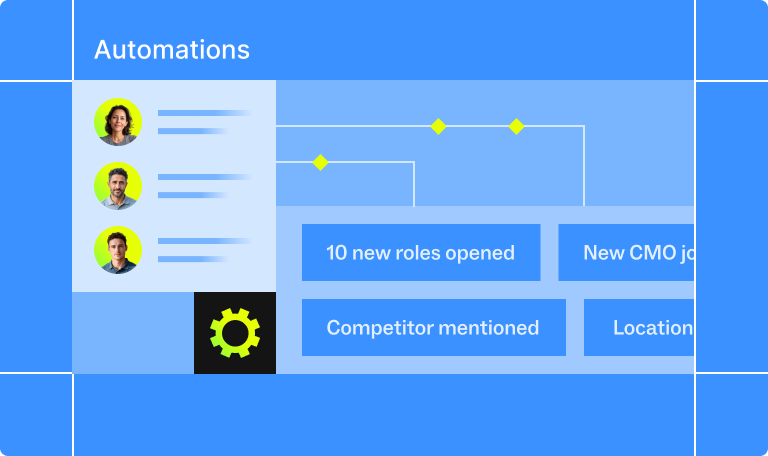
How to automate your pipeline
Learn how to automate your sales process with Lusha - from capturing leads to triggering outreach and syncing with your CRM - so your pipeline runs on autopilot.