Defining Ideal Customers With Smart Filters
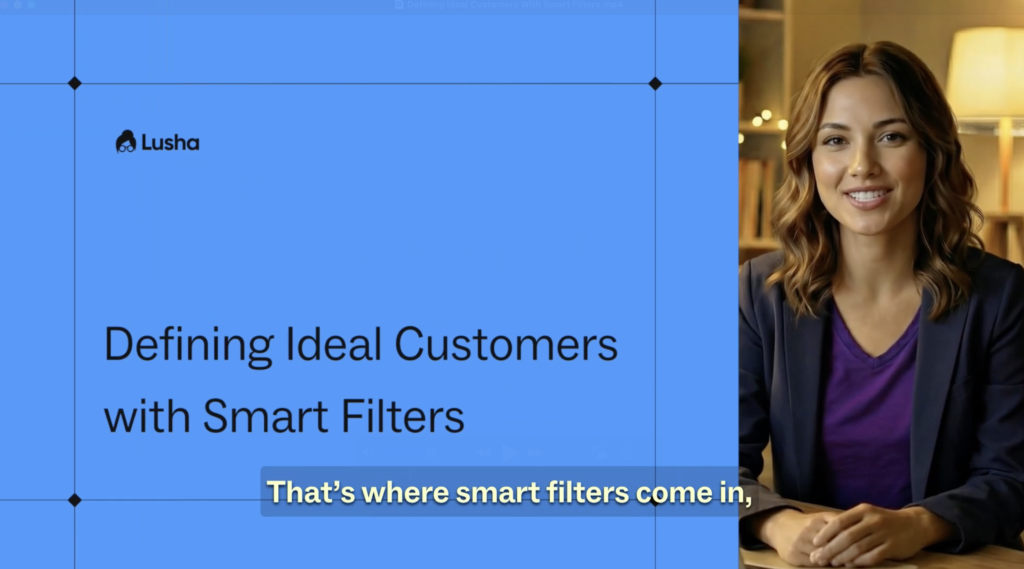


Why this works
- Helps you define your ideal customer before you start outreach
- Smart filters narrow a large market into high-fit, relevant accounts
- Signals like intent, funding, tech stack, and job changes improve prioritization
- Separate lists keep outbound focused and easier to manage
- Alerts ensure you act as soon as new buying signals appear
How to set it up
- Go to Search and start in the Company tab
- Filter by firmographics like location, revenue, headcount, and industry
- Add Company Keywords to refine by services or offerings
- Layer in signals such as Intent, Funding, and Technology Stack
- Switch to the Contact tab to filter by title, department, seniority, and location
- Turn on Job Changes to find newly moved prospects
- Create separate lists for each signal type and one general list
- Set alerts on the general list to get notified when new signals appear
More Courses
View All Courses
3 lessons
How to integrate Lusha with your favorite tools
Learn how to integrate Lusha with your favorite tools to streamline workflows, sync data, and boost your sales process.

7 lessons
How to create AI-powered prospect and companies lists
Learn how to turn lead organization into a growth engine with Lusha’s AI-powered Lists and Playlists.

5 lessons
How to send email sequences with Lusha Engage
Learn how to build, send, and optimize personalized email sequences that help you connect with the right prospects- at the right time.
5 lessons
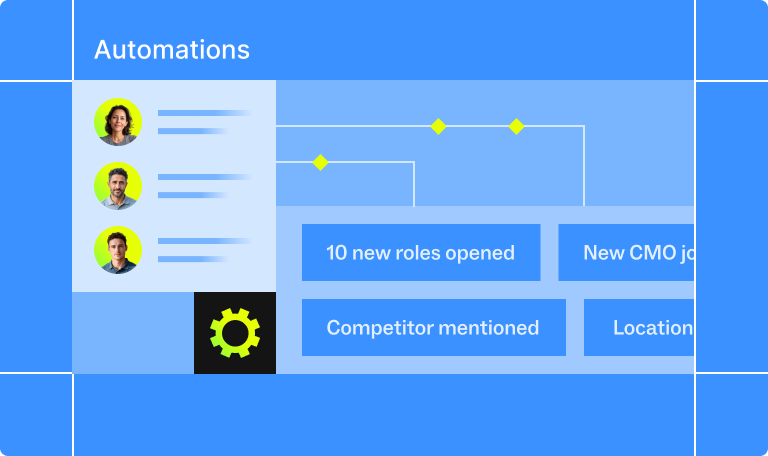
How to automate your pipeline
Learn how to automate your sales process with Lusha - from capturing leads to triggering outreach and syncing with your CRM - so your pipeline runs on autopilot.