Prioritize Your Hottest Leads



Why this works
- Separates real buying intent from basic inbound interest
- Adds context like funding, tech stack, and job changes to show readiness
- Helps reps focus time on accounts with budget, urgency, and fit
- Alerts surface movement as it happens, so timing never slips
- Lists keep prioritization clear and repeatable across the team
How to set it up
- Go to Bulk Search Companies and upload your inbound company CSV
- Add Funding filters to identify recently funded accounts
- Apply Technology filters to confirm ICP and ecosystem fit
- Switch to Contacts and turn on Job Changes
- Select companies and add them to a new or existing list
- Open the list and enable Buying Intent alerts
- Turn on Tech Changes alerts to track stack updates
- Watch for green indicators to spot new activity and lead with the right message
More Courses
View All Courses
3 lessons
How to integrate Lusha with your favorite tools
Learn how to integrate Lusha with your favorite tools to streamline workflows, sync data, and boost your sales process.

7 lessons
How to create AI-powered prospect and companies lists
Learn how to turn lead organization into a growth engine with Lusha’s AI-powered Lists and Playlists.

5 lessons
How to send email sequences with Lusha Engage
Learn how to build, send, and optimize personalized email sequences that help you connect with the right prospects- at the right time.
5 lessons
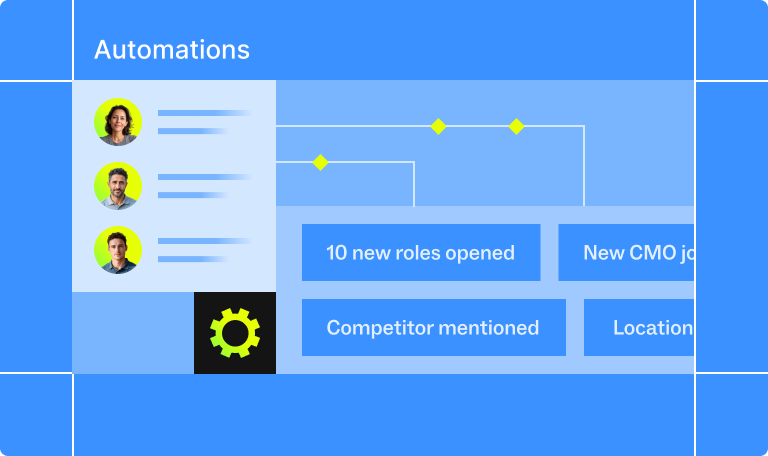
How to automate your pipeline
Learn how to automate your sales process with Lusha - from capturing leads to triggering outreach and syncing with your CRM - so your pipeline runs on autopilot.