Auto Enrich Inbound Leads In Google Sheets
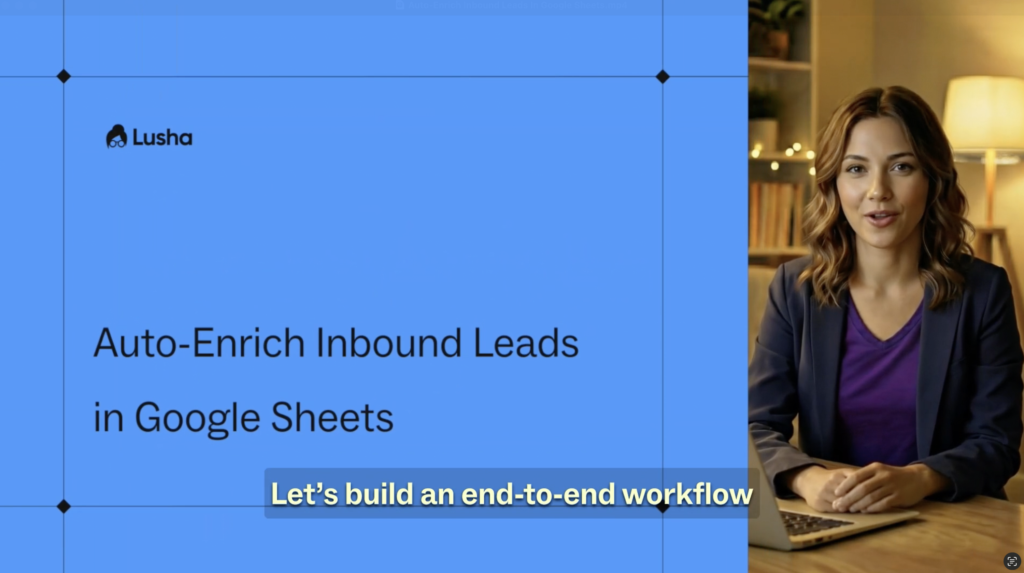


Why this works
- Automatically enriches inbound leads the moment they land in Google Sheets
- Eliminates manual research and copy-paste work
- Keeps lead data complete and ready for follow-up with a single click
- No coding required – just plug in your API key and go
How to set it up
- Open Google Sheets and launch Apps Script from the Extensions menu
- Copy the “Automate Contact Data Enrichment” script from the Lusha API Hub
- Paste it into the editor
- Add your Lusha API key in Project Settings under Script Properties
- Refresh your sheet to enable the Lusha Enrichment menu
- Enter available contact data and run enrichment for all contacts or specific rows
More Courses
View All Courses
3 lessons
How to integrate Lusha with your favorite tools
Learn how to integrate Lusha with your favorite tools to streamline workflows, sync data, and boost your sales process.

7 lessons
How to create AI-powered prospect and companies lists
Learn how to turn lead organization into a growth engine with Lusha’s AI-powered Lists and Playlists.

5 lessons
How to send email sequences with Lusha Engage
Learn how to build, send, and optimize personalized email sequences that help you connect with the right prospects- at the right time.
5 lessons
How to automate your pipeline
Learn how to automate your sales process with Lusha - from capturing leads to triggering outreach and syncing with your CRM - so your pipeline runs on autopilot.